The full review
What is Read.ai?
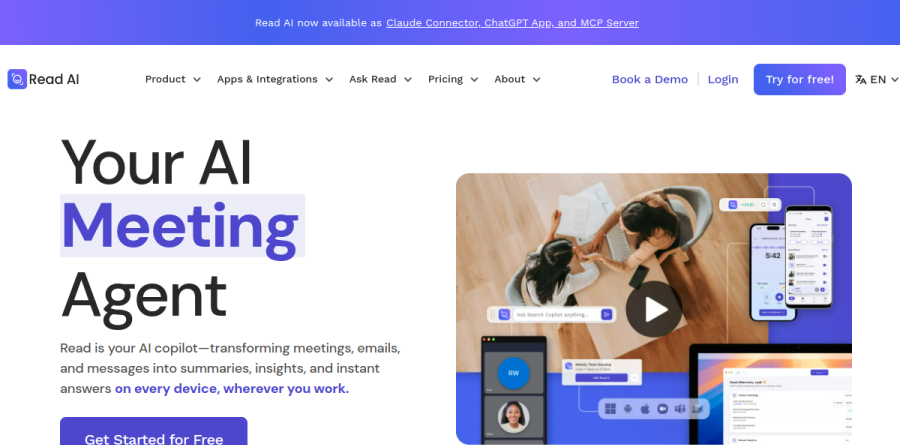
Read.ai is an AI meeting assistant that attaches to Zoom, Google Meet, and Microsoft Teams calls and turns the conversation into a structured record. The vendor positions the product as an AI meeting agent, describing it as a copilot that converts meetings, emails, and messages into summaries, insights, and instant answers across desktop and mobile.
What arrives afterward is a Meeting Report rather than a wall of raw text: a summary, key discussion points, action items, and a full transcription that captures participant reactions. Read.ai also captures in-person conversations through its mobile app on iOS and Android, so client visits land in the same archive as scheduled calls.
Inside a Read.ai Meeting Report
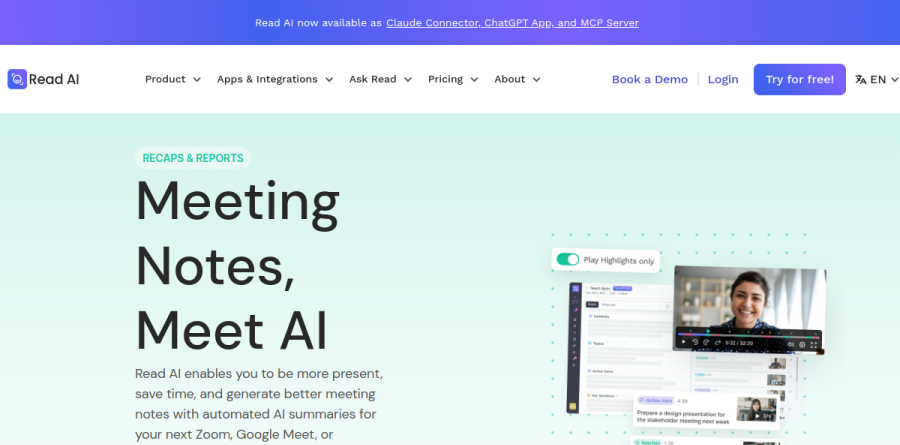
Meeting Reports are the core deliverable. Read.ai generates a concise summary of decisions and takeaways, extracts Action Items so follow-through has an owner, and breaks the call into Key Discussion Points you can jump between instead of scrubbing a timeline. Playback and Highlights let anyone who missed the session rewatch it or take a short highlight reel. Real-Time Meeting Notes appear during the call itself, which matters most for whoever is running the agenda and trying to stay present rather than typing.
Ask Read as an enterprise search layer
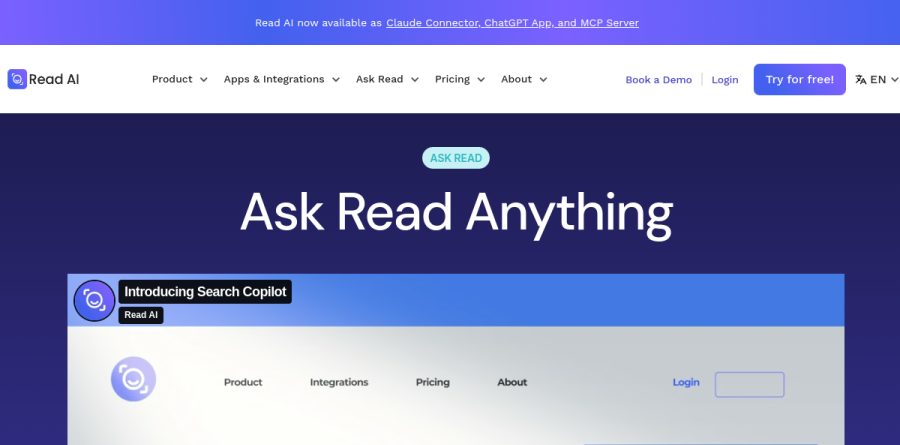
Ask Read is the piece that pushes Read.ai past note-taking. The vendor describes it as enterprise search for everyone, built on retrieval-augmented generation and pointed at meetings, email, chat, knowledge bases, cloud storage, and CRM records. You connect sources such as Gmail, Outlook, Slack, Notion, Confluence, Google Drive, Salesforce, and HubSpot, ask a plain-language question, and get a summarized answer with citations and source links you can open. Follow-up chat keeps the thread going, and Read.ai reports that a permissioning layer governs what each person can retrieve.
Coaching and Deep Dive analytics
Deep Dive is where Read.ai separates itself from transcription-only tools. It surfaces participant-level metrics such as talk time alongside sentiment signals captured during the call, and the coaching view returns customized metrics and recommendations aimed at making you a clearer speaker over time. Managers running one-on-ones and sales leads reviewing discovery calls get the most from this, because a rep who dominates every conversation learns it from data rather than a vague performance note. A personalized meeting coach is included even on the free tier.
Integrations and daily workflow
Read.ai is built to push its output somewhere useful. Recaps can route automatically to Slack, Zapier, or raw webhooks, and the platform connects with Salesforce, HubSpot, Jira, Confluence, Notion, Asana, Linear, Google Calendar, and Webex. Workspace access is included on the paid tiers, with Workspace onboarding added on Enterprise+. On the inbox side, Email Summaries deliver "concise summaries of key conversations" and Inbox Insights generates AI summaries and topics from Gmail and Outlook, while Topic Readouts is included from the Free tier upward.
How the Read.ai plans differ
The Free tier is genuinely usable: a capped number of monthly meeting transcripts, unlimited enterprise search, summaries, the meeting coach, basic integrations, Topic Readouts, and support for more than 20 languages across Windows, macOS, Android, and iOS. Pro removes the transcript cap and adds unlimited reports and storage, priority processing, file upload credits, Workspace access, and premium integrations. Enterprise brings audio and video playback, video highlights, and premium support. Enterprise+ layers on HIPAA compliance, SAML and SCIM, domain capture, and custom data retention.
Who should choose Read.ai
Read.ai suits people whose week is mostly meetings and whose follow-through depends on recalling what was agreed: consultants, account executives, customer success managers, and anyone leading a distributed team. The combination of Meeting Reports, Ask Read, and coaching metrics makes it a stronger fit than pure transcription tools when you want the archive to answer questions months later, and regulated teams have the Enterprise+ controls to work with. It is not ideal for someone who takes a handful of calls per month and simply wants a cheap transcript, since most of the value sits in search and analytics layers they would rarely open.
Strengths
- Free plan includes Meeting Coach and unlimited enterprise search, not just transcripts
- Ask Read gives direct access to native Anthropic Claude and OpenAI GPT models
- Wide coverage: Zoom, Teams, Meet, Webex plus 20+ languages and mobile apps
- Unique coaching metrics (talk speed, filler words, bias, charisma) rivals lack
Watch out for
- Free tier capped at only 5 meetings per month with a 1-hour limit
- Credit-based upload limits (100/200/300 min) feel restrictive for heavy users
- Audio and video playback is locked behind the Enterprise tier
- Per-user pricing plus 5+ license minimums add up fast for larger teams
Key features
| Feature | What it does |
|---|
| Ask Read (Search Copilot) | AI search across all your meetings with direct access to native Anthropic Claude and OpenAI GPT models |
| Automated summaries & transcripts | Auto-generated notes, action items and full transcripts in 20+ languages |
| Meeting Coach | Personalized feedback on talking speed, filler words, bias, sentiment and charisma |
| Audio & video playback | Enterprise tiers add recording playback and auto-generated video highlights |
| Premium integrations | Notion, Salesforce, HubSpot, Jira, Confluence, Zapier and webhooks on paid plans |
| Cross-platform apps | Web, desktop, iOS/Android and Chrome extension across Zoom, Teams, Meet and Webex |
How Read.ai compares
| Alternative | How it differs |
|---|
| Otter.ai | Cheaper entry paid plan and strong live transcription, but weaker meeting coaching and analytics |
| Fireflies.ai | Similar notetaker bot with generous free minutes; less polished coaching and engagement scoring |
| Fathom | Popular free-forward Zoom/Meet recorder; simpler feature set, no per-meeting coaching metrics |
Frequently asked questions
Is Read.ai free?
Yes. Read.ai's free plan costs $0 with no credit card and covers 5 meeting transcripts and summaries per month, each capped at 1 hour. You still get unlimited enterprise search, the personalized Meeting Coach, 20+ languages, and mobile and desktop apps. File uploads and unlimited meetings require the paid Pro tier, which starts at $15 per user monthly (billed annually).
How much does Read AI cost?
Paid plans start at $15 per user per month for Pro billed annually, or $19.75 billed monthly. Enterprise runs $22.50 per user annually ($29.75 monthly) and adds audio and video playback. Enterprise+ costs $29.75 per user annually ($39.75 monthly) with HIPAA, SAML SSO and custom retention. Annual billing saves 25% across every paid tier.
What's the difference between Read AI Pro and Enterprise?
Pro ($15/user/mo annual) gives unlimited transcripts, 100 upload credits monthly, priority processing, and premium integrations like Salesforce and HubSpot. Enterprise ($22.50/user/mo annual) adds audio and video playback, video highlights, 200 upload credits, and premium support. Enterprise+ then layers on HIPAA, SAML SSO, SCIM and custom data retention for regulated teams needing tighter compliance and security controls.
Is Read.ai worth it?
For teams already living in Zoom, Teams or Google Meet, yes. The free tier's Meeting Coach feedback on filler words, pace and talk time is genuinely useful, and Ask Read taps native Anthropic Claude and OpenAI GPT models. Skip it if 5 free meetings a month suffice, or if credit-based uploads and per-user pricing feel restrictive versus flat-rate rivals.
Does Read AI work with Zoom, Teams and Google Meet?
Yes. Read.ai joins calls on Zoom, Microsoft Teams, Google Meet and Webex via a notetaker bot and supports 20+ languages. Paid tiers add premium integrations including Notion, Salesforce, HubSpot, Jira, Confluence, Zapier and webhooks. It runs on web, desktop, and iOS and Android apps, plus a Chrome extension that surfaces meeting context in your browser.
Read.ai ratings on other platforms
Independent user ratings from third-party review sites, linked here for transparency.
These are not our editorial score, are captured on the date shown, and may have changed since.