The full review
What is 1Password?
1Password is a password manager that keeps logins, payment cards, bank accounts, identities, documents and other credentials in encrypted vaults, then fills them in for you across macOS, Windows, Linux, iOS, Android and every major browser. You remember one account password; a unique Secret Key adds a second layer of encryption on top of it, so your data is never protected by the account password alone.
Alongside the Individual and Families plans, 1Password now sells a full business platform for identity and device security — the homepage currently leads with secure access for every human and AI agent — but it is all built on the same encrypted vault.
Autofill, passkeys and everyday convenience
1Password earns its keep in small daily moments. The browser extension autosaves credentials as you create accounts, the password generator produces strong random logins on demand, and autofill drops the right username into the right site without copy-paste. Passkey support is built in: you can go passwordless by saving and signing in to compatible websites and apps with passkeys, which the vendor pitches as a faster and more secure alternative to passwords.
Everything syncs across desktop, mobile and browser apps — Chrome, Edge, Firefox and Safari are all covered — and an Apple Watch app can even serve two-factor authentication codes from your wrist.
Watchtower, Travel Mode and the safety net
Watchtower is the standout feature: it flags weak, reused or compromised credentials and alerts you when a saved login turns up in a breach, turning your vault into an ongoing health check rather than a static store. Travel Mode hides selected vaults when you are crossing borders.
Recovery is handled through an Emergency Kit, designed to help you get back in if you have forgotten your account password or Secret Key. 1Password describes the service as private by default — its encryption design prevents even staff from reading stored data — and backs that with regular third-party security audits and what it calls the industry's largest bug bounty.
Plans for households and small teams
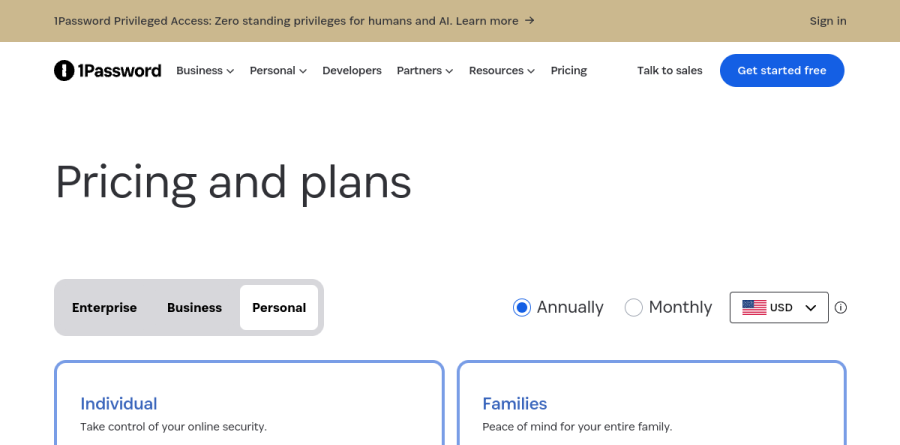
The Individual plan covers one person on all of their devices, with secure item sharing and breach alerts included. Families extends that to five family members, adds unlimited shared vaults and includes simple admin controls for managing access — a practical way to manage a household's streaming logins, Wi-Fi codes and financial accounts.
For work, the Teams Starter Pack covers up to ten members at a flat monthly price, while the Business plan moves to per-user billing and adds the administration layer larger organizations need. Individual, Families, Teams Starter Pack and Business plans all start with a 14-day free trial; there is no permanently free tier.
Beyond passwords into business security
For business buyers, 1Password has pushed well past password storage. Its Unified Access platform spans Device Trust, a SaaS Manager for discovering and securing access to SaaS apps, Privileged Access controls with just-in-time access, a Credential Broker that verifies AI agents and machine workloads before delivering credentials, and Secrets Management.
The vendor highlights outside validation too: the homepage notes 1Password was named a Leader for SaaS Management Platforms in the 2026 Gartner Magic Quadrant, and it carries a customer testimonial from Red Bull Racing's engineering organization.
Who should choose 1Password
Choose 1Password if you want a polished, cross-platform password manager that a non-technical family member can actually use, or if your company wants credentials, device trust and SaaS oversight consolidated under one roof. Small teams get an easy on-ramp through the Teams Starter Pack, and developers gain real value from the secrets tooling.
It is not the right pick for everyone: there is no free plan beyond the trial, so budget-first users or anyone committed to a self-hosted, open-source vault will be happier elsewhere. For most people, though, the 14-day trial makes it a low-risk experiment.
Strengths
- Strong Secret Key + master-password security architecture
- Watchtower flags reused, weak and breached passwords
- Travel Mode and full passkey support
- Excellent value for families (up to 5) and small teams (flat 10-user plan)
Watch out for
- No free plan — only a 14-day trial
- Individual pricing rose from $2.99 to $3.99/mo
- Per-user Business pricing adds up at scale
Key features
| Feature | What it does |
|---|
| Unlimited passwords | Store unlimited logins across unlimited devices. |
| Watchtower | Breach and weak-password monitoring built in. |
| Travel Mode | Temporarily remove sensitive vaults when crossing borders. |
| Passkeys | Create and sign in with passkeys, plus a Secret Key architecture. |
How 1Password compares
| Alternative | How it differs |
|---|
| Bitwarden | Open-source with a genuine free tier; 1Password is more polished. |
| Dashlane | Similar features with a bundled VPN; compare pricing. |
| NordPass | The standalone Nord Security password manager; also bundled with NordVPN Complete and above. |
Head-to-head: 1Password vs NordVPN · 1Password vs Bitwarden
Frequently asked questions
Is 1Password free?
No — there is no permanent free plan, but a 14-day free trial gives the full Individual feature set. Paid plans start at $3.99/mo for Individual.
What does 1Password cost for families and teams?
Families is $5.99/mo for up to 5 members; Teams Starter is a flat $19.95/mo for up to 10 users; Business is $7.99 per user per month.
1Password ratings on other platforms
Independent user ratings from third-party review sites, linked here for transparency.
These are not our editorial score, are captured on the date shown, and may have changed since.