The full review
What is Google Cloud?
Google Cloud is Google's public cloud platform, spanning more than 150 products across AI and machine learning, compute, storage, databases, data analytics, networking, developer tools, and security. The site framing stays consistent: build with AI, deploy and scale apps, analyze and secure your data.
Most teams meet Google Cloud through a handful of anchor services. Compute Engine supplies virtual machines, Cloud Storage handles objects, Google Kubernetes Engine orchestrates containers, Cloud Run executes stateless workloads, and BigQuery does analytics. Around those sit managed databases including Cloud SQL, AlloyDB for PostgreSQL, Spanner, and Firestore, plus Pub/Sub messaging and a fast-growing layer of Gemini-branded AI tooling.
BigQuery and the data to AI layer
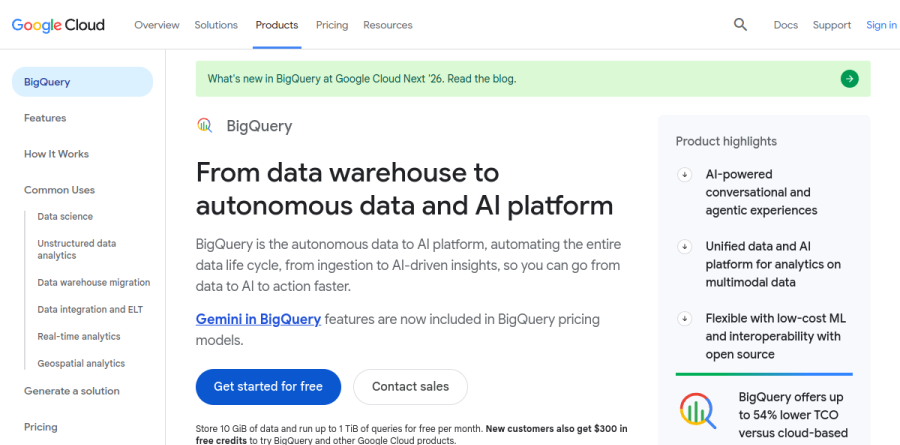
BigQuery is the service Google Cloud leans on hardest, and its product page now frames it as the move from data warehouse to autonomous data and AI platform. You can train and deploy predictive models directly in BigQuery using SQL, apply generative AI functions for summarization and sentiment analysis, and build retrieval-augmented apps with embeddings plus vector, text, or hybrid search.
Recent investment shows in the agentic tooling: a Data Engineering Agent for pipeline building, a Data Science Agent that plans feature engineering and model training from a prompt, and a Conversational Analytics Agent so non-specialists can ask questions in plain language. Apache Iceberg interoperability lets BigQuery share tables with open engines without moving data. The vendor reports up to 54% lower total cost of ownership versus cloud-based alternatives.
The Google Cloud AI story centers on Gemini Enterprise Agent Platform, a managed environment for building AI applications and agents with access to Agent Studio and, per the homepage, over 200 foundation models. Agent Engine adds enterprise-grade orchestration, and Google now offers a managed remote MCP server for wiring agents into external tools.
The Gemini Enterprise app sits above this as what Google calls the front door to AI for every employee, pairing a no-code agent builder with connectors that ground agents in internal data. Narrower APIs still earn their place: Vision AI for label detection and OCR, plus Speech-to-Text.
Compute, containers, and managed databases
On the infrastructure side, Google Kubernetes Engine offers Kubernetes orchestration managed by Google, Cloud Run hosts stateless containers, and Cloud Run functions provides a serverless environment to build and connect cloud services with code. The delivery pipeline is well served by Cloud Build, Artifact Registry for container images and packages, Workflows for sequencing service calls, and Operations for monitoring and logging.
Databases are deliberately varied. Spanner targets always-on relational workloads that also need graph, key value, and search, with a 99.999% availability SLA the vendor advertises. AlloyDB for PostgreSQL adds a columnar engine for analytical queries, Cloud SQL Enterprise Plus emphasizes sub-second downtime maintenance, and Datastream feeds change data capture into the stack.
Free tiers, trials, and spend control
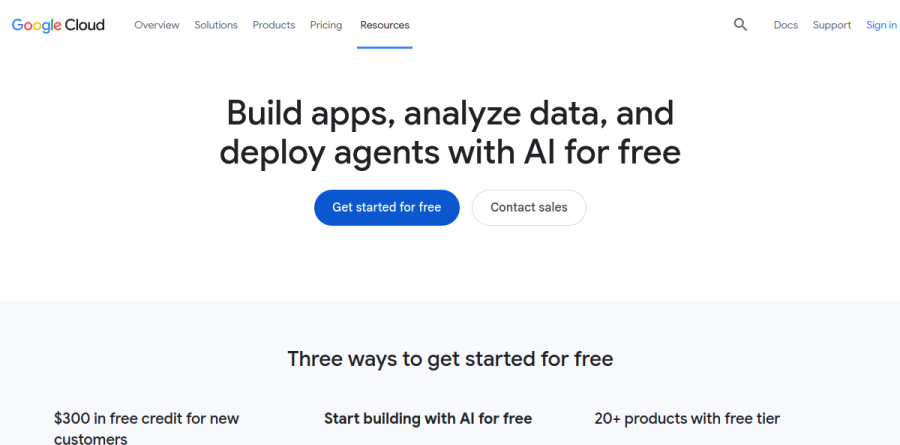
Google Cloud is unusually generous about evaluation. The Free Tier covers more than 20 products up to monthly limits that do not expire, including an e2-micro Compute Engine instance, Standard Storage, a BigQuery query allowance, Cloud Run requests, and one GKE Autopilot or Zonal cluster.
Product-specific trials layer on top: 90 days for GKE and Spanner, and 30 days each for Cloud SQL Enterprise Plus, AlloyDB, and Looker. Spending is pay-as-you-go with no up-front fees and no termination charges, and the pricing page stresses budgets, alerts, quota limits, a pricing calculator, and free 24/7 billing support.
Who should choose Google Cloud
Google Cloud makes the most sense for teams whose center of gravity is data and AI. If your roadmap runs through a warehouse that also serves models, BigQuery plus Gemini Enterprise Agent Platform is a genuinely tight loop, and the industry solution sets spanning retail, financial services, healthcare, and manufacturing give larger organizations a starting architecture.
It suits small teams badly when what they want is a predictable monthly bill for a few servers. Usage-based pricing across 150-plus products rewards organizations that invest in cost governance and quietly punishes those that skip it. Groups without data engineering capacity will also struggle to justify the migration unless BigQuery or Gemini is the specific draw.
Strengths
- Best-in-class data analytics (BigQuery) and native AI (Vertex AI, Gemini foundation models)
- Generous, never-expiring free tier plus a $300 / 90-day trial credit
- Automatic sustained-use discounts and simple per-second billing
- Industry-leading managed Kubernetes (GKE) from the team that created Kubernetes
Watch out for
- Smaller service catalog than AWS and fewer regions/data centers
- #3 market share means fewer third-party integrations and community tutorials
- Usage-based billing is hard to predict without active cost controls
- $300 trial credit excludes GPUs, Windows Server, and Marketplace purchases
Key features
| Feature | What it does |
|---|
| BigQuery | Serverless data warehouse; query petabytes with SQL, 1 TiB free monthly, on-demand (~$6.25/TiB) or committed slot pricing. |
| Vertex AI | Unified ML platform to build, tune, and deploy models — including native Gemini 2.5/3.x foundation models via API. |
| Compute Engine | Customizable VMs with per-second billing and automatic sustained-use discounts; one e2-micro instance free forever. |
| Google Kubernetes Engine (GKE) | Managed Kubernetes from its creators, with Autopilot mode, strong autoscaling, and container-native networking. |
| Cloud Storage | Object storage across Standard, Nearline, Coldline, and Archive tiers; 5 GB regional storage free each month. |
| Committed Use Discounts | Cut eligible compute and AI spend up to ~46% with 1- or 3-year commitments; flexible CUDs need no upfront payment. |
How Google Cloud compares
| Alternative | How it differs |
|---|
| Amazon Web Services (AWS) | Market leader (~28-30%); widest service catalog and largest global footprint, but more complex pricing. |
| Microsoft Azure | #2 (~21-25%); deep Microsoft/enterprise integration and hybrid (Azure Arc), strong in regulated industries. |
| Oracle Cloud (OCI) | Smaller but aggressive on price for databases and HPC; generous always-free compute and storage resources. |
Frequently asked questions
Is Google Cloud free?
Google Cloud isn't fully free, but it has a generous Always Free tier that never expires: one e2-micro VM, 5 GB Cloud Storage, and 1 TiB of BigQuery queries monthly. New users also get a $300 credit valid for 90 days. Beyond those limits, you pay only for what you use.
How much does Google Cloud cost?
There's no single price — Google Cloud is usage-based, so cost depends on the services and volume you consume. A small VM can run a few dollars a month; BigQuery charges about $6.25 per TiB queried on-demand. Committed use discounts cut eligible spend by up to 46%, and per-second billing means you pay only while resources run.
What is the Google Cloud free tier?
The Google Cloud Free Tier is a set of always-free products with monthly limits that don't expire. Highlights include one e2-micro Compute Engine VM in a US region, 5 GB of Cloud Storage, 1 TiB of BigQuery queries, and 10 GiB of BigQuery storage. It's separate from the one-time $300 free trial credit.
Google Cloud vs AWS: which is better?
AWS leads on market share (~28-30%) and breadth of services, while Google Cloud (~13-14%, #3) wins on data and AI — BigQuery, Vertex AI, and native Gemini models. Google is often cheaper for analytics-heavy and Kubernetes workloads and offers automatic sustained-use discounts. AWS suits the widest range of enterprise needs; Google suits data-driven and AI-first teams.
Does Google Cloud require a credit card?
Yes. To start the $300 free trial you must provide a credit or debit card for identity verification, but you won't be charged during the trial and Google won't auto-charge when it ends unless you manually upgrade to a paid account. The always-free tier usage also requires an active billing account on file.
Google Cloud ratings on other platforms
Independent user ratings from third-party review sites, linked here for transparency.
These are not our editorial score, are captured on the date shown, and may have changed since.
