The full review
What is Cursor?
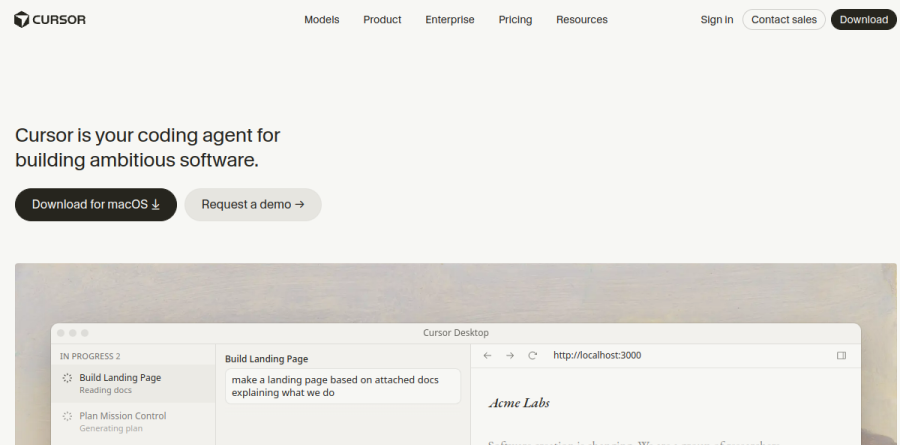
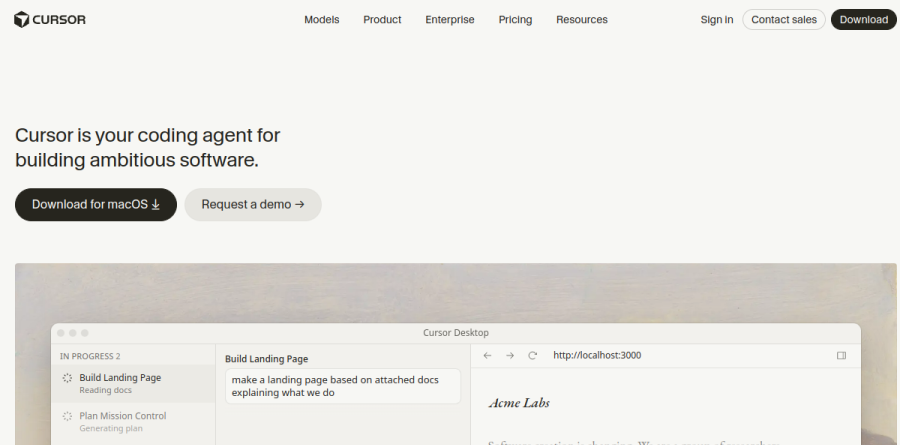
Cursor is a coding environment built around AI agents rather than autocomplete bolted onto an editor. The vendor pitches it as your coding agent for building ambitious software, and the homepage opens on the claim that software creation is changing. In practice you hand the task off rather than typing it yourself: the vendor's framing is that agents turn ideas into code, and the homepage shows finished work arriving as a pull request marked ready for review.
The surface area is wider than one window. Cursor ships a desktop app whose Mission Control view arranges open agent windows in a grid, a Cursor CLI for the terminal, Cloud Agents that run on their own machines, and mobile access. Underneath sits an indexed codebase, so agents work from semantic search rather than from whatever file happens to be open.
Agents that work in parallel
The unit of work in Cursor is the agent request, and the product is built for running several at once — the homepage frames this as agents working autonomously and running in parallel. For Cloud Agents, the vendor reports that they use their own computers to build, test and demo features end to end for you to review. The vendor's own framing of the payoff is launching fleets of agents that work in parallel on ambitious tasks for hours or days.
Cursor in the terminal, Slack and GitHub
Cursor deliberately spills out of the app. The vendor describes it as running in your terminal, collaborating in Slack and reviewing pull requests in GitHub, which maps onto three real habits: the developer who lives in a shell, the lead who wants to fire off a task from a thread, and the reviewer who wants a first pass before humans look. Automations push this further, running always-on agents on schedules or triggers for the maintenance work nobody volunteers for.
Context, Rules and Bugbot reviews
Output quality tracks context quality, and Cursor gives you levers for both. Semantic search and secure codebase indexing both appear on the features page as shipped capabilities, Pro plans list "MCPs, skills, and hooks," and Teams plans add a "Team marketplace for internal rules, skills, and plugins." Bugbot handles automated code review, while Teams plans add agentic code reviews and cloud agents with shared context. Enterprise adds repository, model and MCP access controls, auto-run, browser and network controls, audit logs and service accounts, and an AI code tracking API.
Cursor does not tie you to a single provider. Paid plans advertise access to frontier models, the homepage currently foregrounds Grok 4.6, and Composer 2.5 sits among the models Cursor builds in house. Billing documentation splits consumption into a Cursor Models pool — covering Cursor Grok 4.6, Grok 4.5 and Composer 2.5 — and an Other Models pool charged at the model's API price, noting that different models have different API costs, so model selection affects how quickly included usage is consumed.
How Cursor plans are structured
Cursor keeps a genuinely free Hobby tier with limited Agent requests and access to Composer, which is enough to judge the workflow before paying. Pro is the default paid step, adding extended Agent limits, frontier models, MCPs, skills and hooks, cloud agents, and Bugbot on usage-based billing. Pro Plus lists "3x Pro limits on Agent" and Ultra "20x Pro limits on Agent," with Ultra alone adding priority access to new features. Teams Standard introduces centralized billing, usage analytics, team-wide privacy mode and SAML or OIDC single sign-on, with Teams Premium and Enterprise above it.
Who should choose Cursor
Cursor fits developers and engineering teams who want agents doing substantial multi-file work that a human still reviews, and who value one system spanning desktop, terminal, cloud, Slack and GitHub. The vendor reports that Cursor is trusted by over half of the Fortune 500, and the Teams and Enterprise controls reflect that audience. It is a poor fit if you want a light autocomplete plugin inside an editor you already love, or if usage-based charges on top of a subscription make monthly costs hard to defend.
Strengths
- Generous free Hobby tier with 2,000 completions/month
- Unlimited Tab completions on Pro
- Agentic edits across multiple files
- One free year of Pro for verified students
Watch out for
- Credit-based frontier-model usage can run out
- Heavy use pushes you to Pro+ ($60) or Ultra ($200)
- The June 2025 pricing change confused some users
- It is a separate VS Code fork, not an extension for your editor
Key features
| Feature | What it does |
|---|
| Tab completions | Fast, multi-line autocomplete as you type. |
| Agent | Make coordinated edits across multiple files from a prompt. |
| Model selection | Choose frontier models (Claude, GPT) for hard tasks; Auto is unlimited on paid. |
| Codebase context | Answers and edits grounded in your whole repo. |
How Cursor compares
| Alternative | How it differs |
|---|
| GitHub Copilot | Extension for your existing IDE; Cursor is a full AI editor. |
| CodeRabbit | Reviews your PRs rather than writing code with you. |
Head-to-head: Cursor vs GitHub Copilot · Cursor vs Windsurf
Frequently asked questions
Is Cursor free?
Yes — the Hobby plan is free forever with 2,000 completions and 50 slow premium requests per month. Pro is $20/mo (about $16 billed annually) and unlocks unlimited Tab completions and frontier-model credits.
Can students use Cursor for free?
Yes — verified students can get one year of Cursor Pro free by signing up with a school email and completing verification.
Cursor ratings on other platforms
Independent user ratings from third-party review sites, linked here for transparency.
These are not our editorial score, are captured on the date shown, and may have changed since.