The full review
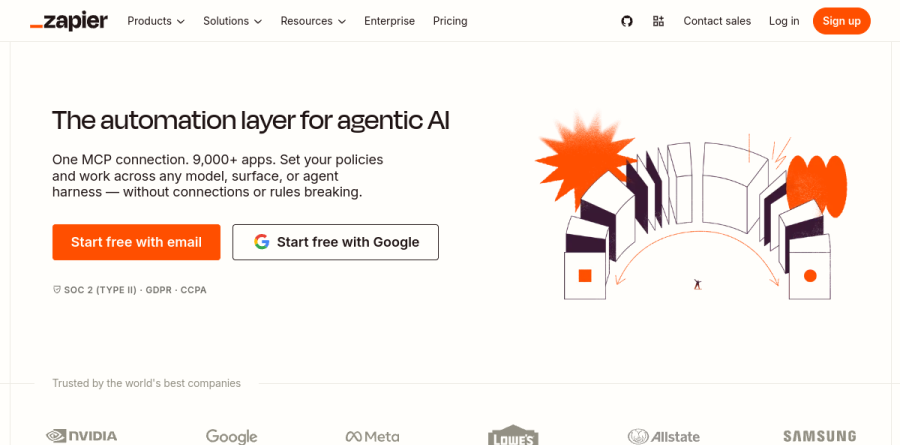
What is Zapier?
At its core Zapier is a no-code automation platform built around one unit of work: the Zap, a trigger in one app followed by actions in others. A spreadsheet row appears, a form is submitted, a deal changes stage — Zapier catches the event and pushes the follow-on work downstream. The company puts its catalog at 9,000+ apps.
Zapier now describes itself as a control plane for building and governing AI workflows and agents across every model. Alongside classic Zaps sit Zapier Agents, Tables, Forms, Canvas, Chatbots, and an MCP endpoint for outside assistants.
How Zaps handle everyday work
The value shows up in unglamorous places: routing support tickets, enriching inbound leads into a CRM, filing invoices, pinging Slack when a record changes. Multi-step workflows, filters, and paths — available from the Professional plan upward — let one Zap branch on conditions rather than firing blindly, so a single automation covers several outcomes instead of spawning near-identical copies.
Professional also unlocks premium apps, webhooks, and AI by Zapier with AI fields, where a workflow stops being purely mechanical. An AI field can summarize a long ticket, pull a company name out of messy text, or classify a request before the next action runs. Zapier's homepage credits Remote with 28% of IT tickets solved with AI.
Zapier Agents and Copilot
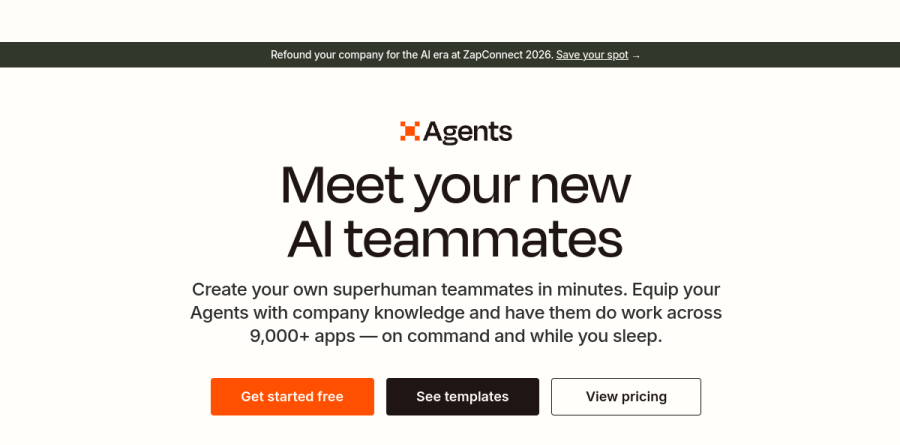
Zapier Agents targets work too fuzzy for a fixed trigger-action chain. Zapier's pitch is to equip agents with company knowledge — FAQs, docs, public links — and have them do work across the same 9,000+ apps. Zapier Copilot helps create specialized agents that connect to business data and perform tasks across those apps.
The Agents page headlines them as AI teammates, and a customer testimonial from Nisonco founder Evan Nison calls it the least lazy AI he has found, saying it keeps trying different approaches until it gets results. A customer story on the Agents page credits one agent with generating over 2,000 leads in a month. Agents is metered separately in activities rather than tasks, with a free allowance listed at 400 a month and a paid Pro tier.

Automation breaks when data has nowhere to live, and Zapier Tables fills that gap — the vendor calls it the data platform for workflow automation, a place to store, organize, and connect records so automations run reliably, with permissions and access controls. Templates cover lead tracking, employee onboarding, and expense reports.
Zapier Forms, formerly Interfaces, is the front door: an AI-assisted drag-and-drop builder that turns every submission into the start of a workflow, routing data into Tables or straight into a Zap. Canvas rounds out the set for diagramming how processes connect. Together they let a small team assemble an internal app — intake, storage, logic, notification — without a developer.
Governance for larger teams
Bigger deployments care less about clever automations and more about who can build them. Team adds shared Zap workflows and folders, shared app connections, SAML SSO, and a 25-user seat count. Enterprise extends that with unlimited users, advanced admin and app controls, SCIM provisioning, and custom data retention.
The AI layer carries its own controls: Zapier markets AI Guardrails and BYOM — bring your own model — so an organization can route agent work through an approved provider rather than a default. A Zapier SDK exists for teams extending the platform in code.
Who should choose Zapier
The platform suits operations, marketing, and support teams that own a sprawling stack and need it stitched together this week rather than next quarter. Catalog breadth is the real moat — if a tool has an API, a Zapier connector probably exists — and the Free plan gives room to prove a workflow before anyone pays. Teams testing AI agents start cheaply, since Agents and Chatbots carry free allowances.
It is a weaker fit for high-volume, latency-sensitive engineering pipelines. Task-based metering rewards restraint, and a workflow firing thousands of times daily costs more here than on a purpose-built queue. Developers wanting granular control over retries, versioning, and local testing will find the abstraction comfortable but confining.
Strengths
- Largest integration library in the category: 9,000+ apps, including long-tail niche tools
- Genuinely easy no-code editor; two-step Zaps are free forever with unlimited Zap creation
- 2026 AI suite (Agents, Chatbots, Canvas, MCP, Copilot) is available across all plans, including Free
- Mature, reliable platform with strong documentation and a 4.5/5 G2 rating
Watch out for
- Task-based pricing escalates quickly at volume; Make and n8n are far cheaper per operation
- Premium apps (Salesforce, Shopify, etc.) and multi-step Zaps require a paid plan
- Free plan is tight: 100 tasks/mo and two-step workflows only
- Default pay-per-task overage billing (~1.25x rate per third-party reports) can produce surprise bills
Key features
| Feature | What it does |
|---|
| Zaps (multi-step workflows) | Trigger-action automations with branching paths, filters, formatters, and webhooks; unlimited Zaps on all plans |
| 9,000+ app integrations | Connects Google Workspace, Slack, HubSpot, Salesforce, Shopify, Notion, and thousands of niche tools |
| Zapier Agents | AI agents that take actions across your apps autonomously; free tier 400 activities/mo, Pro $400/yr for 1,500 |
| Tables and Forms | Built-in database and form builder so automations can store data and capture input without third-party tools; unlimited on all plans |
| Canvas | Visual diagramming tool to map and document business processes and link them directly to Zaps |
| Zapier MCP and AI by Zapier | Connect AI assistants (Claude, ChatGPT, etc.) to Zapier's app catalog via Model Context Protocol; AI steps inside Zaps |
How Zapier compares
| Alternative | How it differs |
|---|
| Make | Visual scenario builder, dramatically cheaper per operation at volume, but steeper learning curve |
| n8n | Source-available and self-hostable (free via Docker); developer-oriented with code steps and flat-rate cloud plans |
| Microsoft Power Automate | Best value if you already live in Microsoft 365; weaker third-party app coverage than Zapier |
Head-to-head: Zapier vs Make
Frequently asked questions
Is Zapier free?
Yes. Zapier's Free plan costs $0 forever and includes 100 tasks per month, unlimited two-step Zaps, plus Tables, Forms, and beta access to Zapier Copilot. Premium apps like Salesforce, multi-step workflows, and webhooks require the Professional plan, which starts at $19.99/month billed annually.
How much does Zapier cost?
Zapier Professional starts at $19.99/month billed annually ($29.99 billed monthly) with roughly 750 tasks/month at the base tier, scaling in tiers up to 2 million tasks. Team plans start at $69/month annually for 25 users, and Enterprise is custom-priced. Annual billing saves 33% versus monthly.
What is a task in Zapier?
A task is counted each time a Zap successfully completes an action step, like creating a Google Sheets row or sending a Slack message. Trigger checks don't consume tasks. If you exceed your monthly allowance, Zapier can either pause your Zaps or continue via pay-per-task overage billing at a higher per-task rate.
Zapier vs Make: which is cheaper?
Make is substantially cheaper at volume — its paid plans start around $9-10/month for 10,000 operations, while Zapier's base Professional tier is $19.99/month for roughly 750 tasks. Zapier counters with 9,000+ integrations (versus Make's ~2,000), a simpler editor, and bundled AI tools, so low-volume users often find Zapier's convenience worth the premium.
How many apps does Zapier integrate with?
Zapier's official site currently advertises 9,000+ app integrations as of 2026 — the largest catalog of any automation platform. That includes mainstream tools (Google Workspace, Slack, HubSpot, Shopify, Salesforce) and thousands of long-tail niche apps. Premium apps such as Salesforce require a paid plan starting at $19.99/month annually.
Zapier ratings on other platforms
Independent user ratings from third-party review sites, linked here for transparency.
These are not our editorial score, are captured on the date shown, and may have changed since.