The full review
What is Superlist?
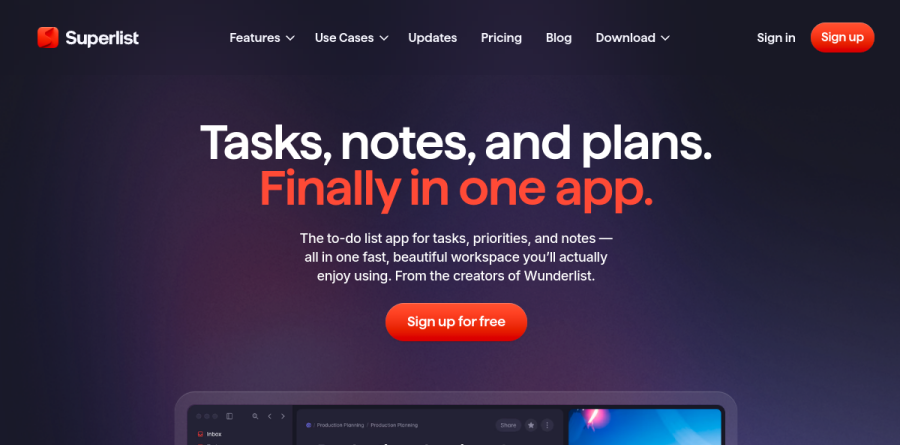
Superlist is a task manager from the team behind Wunderlist, and it leads with a plain promise on the homepage: tasks, notes, and plans, finally in one app. Instead of separating a to-do list from the document where the thinking lives, Superlist puts rich notes inside tasks and lets any list nest infinitely into sublists and subtasks. It runs on macOS, iOS, Android, and the web, with real-time collaboration and offline support.
The product covers two jobs that usually need different tools. As a personal planner it handles scheduling tasks, reminders and habits, quick add from anywhere by typing or talking, recurring tasks, and widgets on the home or lock screen. As a team workspace it handles shared lists, assignments, and progress tracking, with an AI layer running across both.
Lists that nest as deep as the work does
The list model is the part worth understanding first. A list holds tasks, images, attachments and rich text can be added to every list while notes and details attach directly to tasks, and sublists let a plan grow into project documentation or a wiki without leaving the app. Superlist frames this as the best to-do list app for work and life, and the practical payoff is that a quarterly goal, its supporting brief, and the individual checkboxes all live at a single address. You can assign items, track progress, and share a list with your team or publish it publicly.
Meeting notes that turn into assigned tasks

AI Meeting Notes is the most distinctive thing Superlist does. It captures and transcribes from any app without pushing a recorder bot into the call, notes arrive within seconds of the meeting ending, and action items are extracted with auto assignees and due dates already attached. A live chat with the transcript lets you ask follow-up questions during and after the meeting, and there is multiple language support with auto detection; a customer testimonial on the page claims 10x better recognition of meeting objectives and tasks than the AI meeting note tool that team had been using. For anyone running back-to-back calls, this closes the usual gap between talking about work and scheduling it.
Make, Voice AI, and the MCP task layer

Make is the assistant built into Superlist. It creates lists from scratch, generates project briefs, does on-the-fly research, and expands a project plan in seconds. Voice AI works the other direction, letting you talk your tasks into the app when typing is impractical. Superlist also publishes an MCP endpoint it calls the task layer for your AI agents, connecting the workspace to Claude, ChatGPT, and Cursor. From a chat window you can create tasks with the correct list and due date attached, convert meeting notes into assigned items, request an AI-generated daily briefing, auto-triage your Superlist inbox, or scaffold a whole project from a spec.
How the Free, Basic and Super plans differ
The Free plan is generous on volume and deliberately tight on breadth: unlimited tasks and notes, but a ceiling on how many private and shared lists you keep and how many people can join each shared list. Basic lifts those caps with unlimited lists, sublists and shared lists across team and guests, unlimited team members, access to all integrations, larger uploads and storage, and Voice AI. Super is the AI tier, bundling unlimited AI Meeting Notes, unlimited AI Chat messages, generation with Make AI, and email plus Slack task summarization. The choice between Basic and Super comes down to whether the meeting layer earns its place in your week.
Who should choose Superlist
Superlist fits individuals and small teams who want one calm surface for personal errands, household lists, and client work at the same time. Founders, consultants and lean teams with meeting-heavy calendars get the most from it, since the meeting notes and MCP features do the tedious part of converting talk into tracked work. The Free plan is billed as free forever and includes unlimited tasks and notes, so it is not a time-limited trial. Nothing on the cited pages describes reporting views, custom fields, or administrative permission tiers beyond sharing with team and guests, so organizations that need structured program management should confirm those capabilities with the vendor before switching.
Strengths
- Genuinely useful free tier — unlimited tasks and notes
- "Lists all the way down" — unlimited nesting for anything from groceries to projects
- Native apps on macOS, iOS and Android with full offline mode
- Integrations: Gmail, Google Calendar, Slack, GitHub, Linear, Figma
Watch out for
- Free tier caps you at 5 lists and 500MB storage
- AI features and all integrations require a paid plan
- Newer app with a smaller ecosystem than incumbents
Key features
| Feature | What it does |
|---|
| Tasks + notes unified | Notes and to-dos live together in the same lists. |
| Unlimited nesting | Lists inside lists for any level of project breakdown. |
| Offline mode | Full offline support across native apps. |
| Integrations | Gmail, Google Calendar, Slack, GitHub, Linear, Figma and more. |
How Superlist compares
| Alternative | How it differs |
|---|
| Todoist | More mature ecosystem; Superlist blends notes and tasks more fluidly. |
| TickTick | Feature-rich with calendar/habit tracking; compare on offline and nesting. |
Frequently asked questions
Is Superlist free?
Yes — the Free plan includes unlimited tasks and notes, up to 5 lists with 5 collaborators each, and 500MB storage. Plus ($6/mo or $59/yr) unlocks unlimited lists, integrations and AI.
What platforms does Superlist run on?
Superlist has native apps for macOS, iOS and Android plus a web app, with full offline mode.
Superlist ratings on other platforms
Independent user ratings from third-party review sites, linked here for transparency.
These are not our editorial score, are captured on the date shown, and may have changed since.