The full review
What is Microsoft Teams?
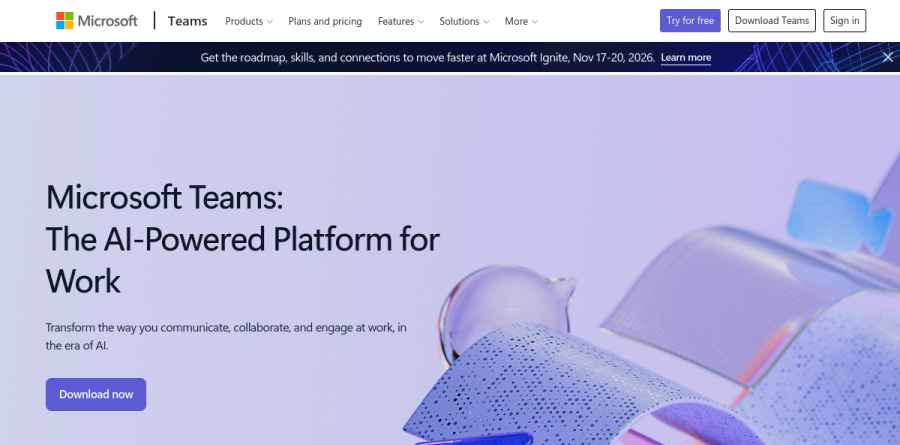
Microsoft Teams is the communication hub built into Microsoft 365, bundling persistent chat, threaded channels, video meetings, and business calling into a single application that runs on desktop, web, and mobile. Microsoft now describes it on the product homepage as the AI-powered platform for work, with messaging built around transforming how people communicate, collaborate, and engage in the era of AI.
What distinguishes Microsoft Teams from standalone messaging apps is how tightly it binds to the surrounding Microsoft 365 estate. Meeting participants edit a deck through PowerPoint Live or a workbook through Excel Live without leaving the call, and the paid Microsoft 365 plans layer Teams onto custom business email, a terabyte of per-user storage, and the wider Office application set.
Chat, channels, and daily teamwork
Microsoft frames the collaboration surface around three ideas on the Teams homepage: streamline teamwork through conversations and shared content, customize views so the right work surfaces first, and collaborate securely with access controls. In practice a channel becomes the durable record for a project, keeping files, tasks, and decisions in one thread rather than scattered across inboxes.
The Teams Free plan is unusually complete. The vendor lists chat, Communities, file sharing, tasks and polling, plus encryption across meetings, chats, calls, and files, with 5 GB of storage per user, one-to-one calls of up to 30 hours, and group meetings capped at 60 minutes for as many as 100 participants.
Meetings, webinars, and virtual events
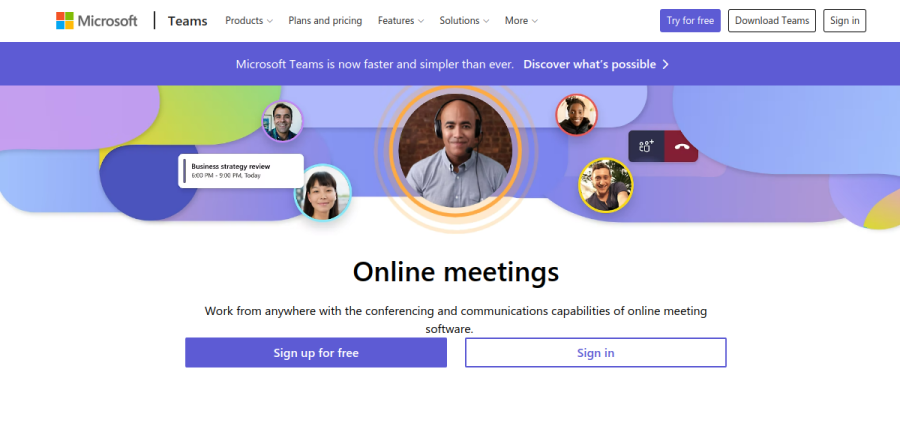
Meetings are where Microsoft Teams does the heaviest lifting. The meetings page names Together mode, Microsoft Whiteboard, Collaborative Annotations, PowerPoint Live, Excel Live, recording, screen sharing, hand raising, and virtual backgrounds, which is enough range to run a design critique, an all-hands, and a customer demo from one place. Audio conferencing lets attendees dial in when connectivity fails them.
For larger moments, the vendor reports webinar capacity of up to 1,000 attendees and broadcast capacity reaching 10,000, which pulls event production inside the same tool instead of a separate webinar platform.
Calling with Teams Phone and Teams Rooms
Teams Phone Standard turns the client into a full cloud-based phone system, and Microsoft advertises a 99.999% uptime SLA for it. Buyers can attach pay-as-you-go calling, a domestic Calling Plan bundling 3,000 minutes, or an international package, which makes Microsoft Teams a credible destination for companies retiring a legacy PBX.
Conference spaces are handled by Teams Rooms. Teams Rooms Basic is available at no charge on a certified Teams device and is limited to 25 rooms, while Teams Rooms Pro adds AI-powered audio and video, enterprise-grade management and security, and IT service management (ITSM) integration for organizations running many rooms at once.
Copilot and the Teams Premium add-on
AI now sits at the centre of the Microsoft pitch. Copilot is bundled directly into the Business Standard with Copilot and Business Premium with Copilot plans, working across Word, Excel, PowerPoint, Outlook, and Microsoft Teams, while Microsoft 365 Copilot Business is sold separately as an add-on that requires an eligible Microsoft 365 subscription and covers up to 300 users.
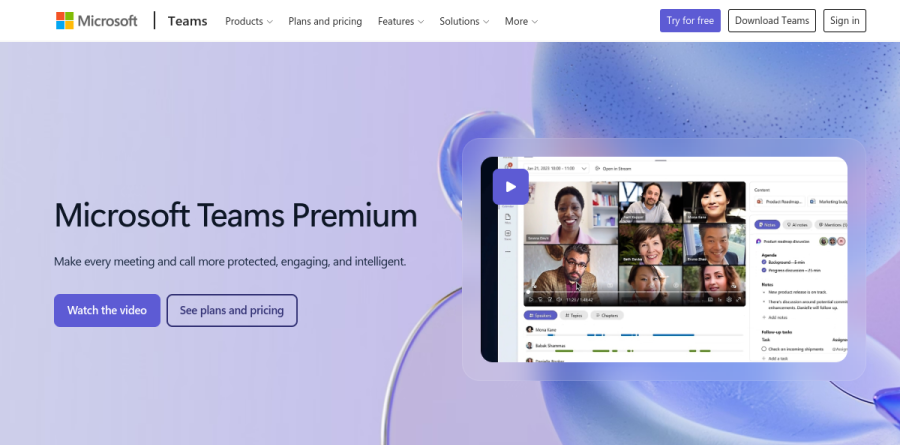
Teams Premium sits alongside as an add-on for organizations that want more. The vendor lists intelligent recap, real-time notes and action items, and live translation of captions and transcripts, along with protection features such as end-to-end encryption for online meetings, watermarking, and sensitivity labels. Advanced Bookings and the Queues app extend that intelligence to customer-facing scheduling and collaborative call handling.
Who should choose Microsoft Teams
Microsoft Teams is the obvious answer for any organization already paying for Microsoft 365. Licensing a rival chat tool rarely makes sense when Business Basic, Business Standard, and Business Premium already include it, and the Teams Phone and Teams Rooms lines mean one vendor can cover chat, video, telephony, and conference hardware. Regulated industries get particular value from sensitivity labels and the encryption controls in Teams Premium.
It is a weaker fit for small, design-led, or engineering-heavy teams living outside the Microsoft ecosystem, where a lighter chat product feels faster and the administrative depth here becomes overhead nobody asked for. Teams Essentials exists for buyers who want the communication layer alone, but the product genuinely rewards commitment to the wider platform.
Strengths
- Deep native integration with Word, Excel, PowerPoint, Outlook and SharePoint for real-time co-authoring
- Generous free tier: unlimited chat plus 60-minute, 100-participant group meetings
- Paid meetings scale to 30 hours and up to 1,000 interactive participants (10,000 view-only)
- Copilot AI recaps and summaries now bundled into Business Standard and Premium plans
Watch out for
- Notorious for heavy RAM/CPU usage and a cluttered, feature-dense interface
- July 1, 2026 price and packaging changes pushed Standard to $23.50 and Premium to $32
- Real value only materializes if you are already committed to the Microsoft 365 ecosystem
- Teams Premium ($10) and Teams Phone ($10+) are separate paid add-ons for advanced features
Key features
| Feature | What it does |
|---|
| Video meetings | Paid plans support up to 30-hour meetings, 1,000 interactive participants and 10,000 view-only; free tier caps group calls at 60 minutes and 100 people. |
| Chat and channels | Persistent one-on-one and group chat, threaded channels, GIFs, reactions and file sharing across teams and external guests. |
| Microsoft 365 integration | Co-author Word, Excel and PowerPoint files inside Teams with SharePoint and OneDrive storage and Outlook calendar sync. |
| Copilot AI | AI meeting recaps, chat summaries and content drafting, now bundled in Business Standard/Premium with Copilot or via the $21/user Copilot add-on. |
| Teams Phone | Optional PSTN calling: Teams Phone Standard from $10/user/mo, with calling-plan bundles up to $34/user/mo for domestic and international calls. |
| Enterprise security | End-to-end encryption, sensitivity labels, watermarking (via Teams Premium) plus compliance and data-loss-prevention controls. |
How Microsoft Teams compares
| Alternative | How it differs |
|---|
| Slack | Stronger channel-based chat and third-party app integrations; paid plans from about $8.75/user/mo |
| Google Workspace | Gmail-native Meet and Chat; Business plans start around $7/user/mo, best for Google-centric teams |
| Zoom Workplace | Best for large, reliable video webinars; free tier capped at 40-minute group meetings |
Head-to-head: Microsoft Teams vs Slack
Frequently asked questions
Is Microsoft Teams free?
Yes. Teams Free gives unlimited chat, unlimited one-on-one calls, and group video meetings capped at 60 minutes with up to 100 participants, plus 5 GB of cloud storage. Paid plans begin with Teams Essentials at $4 per user per month, which raises meetings to 30 hours and 300 participants and adds 10 GB of storage.
How much does Microsoft Teams cost?
Standalone Teams Essentials is $4 per user/month billed annually. Most businesses get Teams inside Microsoft 365: Business Basic is $7, Business Standard with Copilot is $23.50, and Business Premium with Copilot is $32 per user/month yearly. Teams Premium adds AI meeting features for $10 per user/month. Prices increased on July 1, 2026.
What are the best Microsoft Teams alternatives?
Slack leads for channel-based chat and app integrations; Google Workspace (Meet and Chat) suits Gmail-centric teams from about $7 per user/month; Zoom Workplace is strongest for large, reliable video webinars. Each competes on price, but none matches Teams' native tie-in with Word, Excel, Outlook and SharePoint if you already pay for Microsoft 365.
Microsoft Teams vs Zoom, which is better?
Zoom wins on meeting simplicity, video reliability and large webinars, with a free tier capped at 40 minutes. Teams matches Zoom's core video but bundles chat, file collaboration and full Office apps, making it far better value if you already pay for Microsoft 365. Choose Zoom for pure meetings, Teams for all-in-one collaboration.
Is Teams Premium worth it?
Teams Premium costs $10 per user/month on top of a paid Teams license and adds AI-powered meeting recaps and notes, live translated captions in 40-plus languages, custom meeting branding, watermarking and advanced encryption. It's worthwhile for teams running frequent external, multilingual or sensitive meetings; smaller teams rarely use enough of it to justify the cost.
Microsoft Teams ratings on other platforms
Independent user ratings from third-party review sites, linked here for transparency.
These are not our editorial score, are captured on the date shown, and may have changed since.