The full review
What is Malwarebytes?
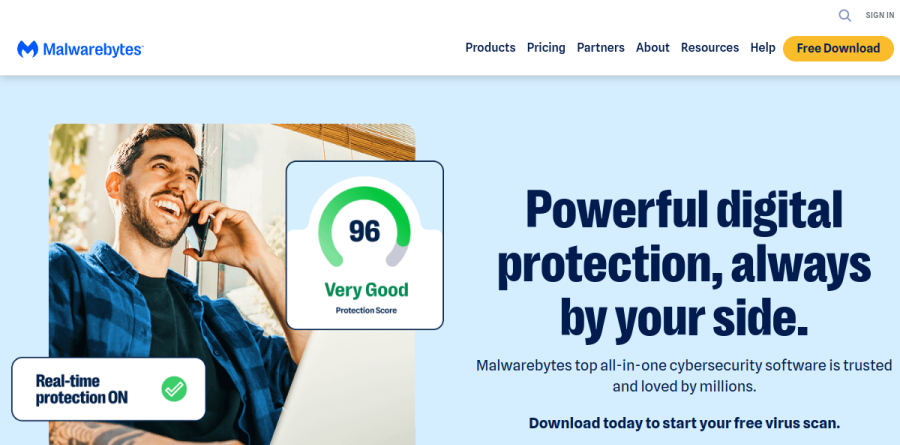
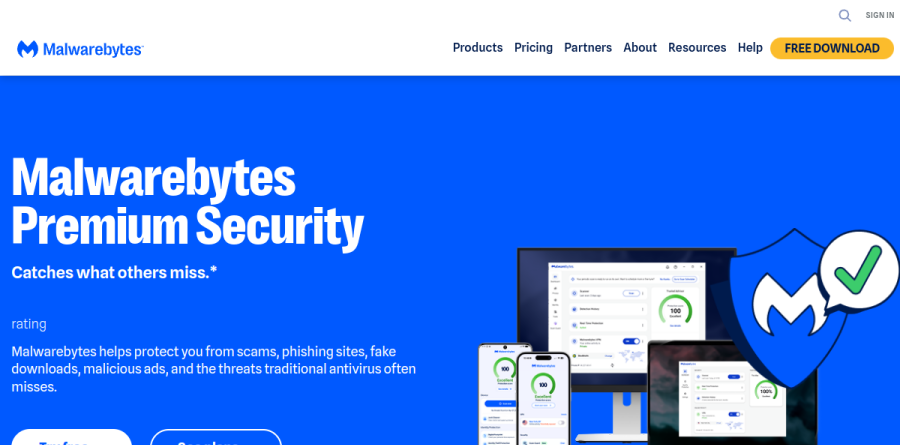
Malwarebytes began in 2004 as a personal solution, built by founder and CEO Marcin after he accidentally downloaded malware on his family computer, and has since grown into a full consumer security suite. The flagship today is Malwarebytes Premium Security, a real-time antivirus for Windows, Mac, Android, and iOS, with a Privacy VPN and identity protection on higher plans.
The argument running through the site is that modern attacks do not always look like classic viruses. Malwarebytes frames threats as arriving through search results, social messages, browser notifications, fake software updates, QR codes, and texts, then builds the product line around blocking those routes rather than scanning files on disk.
Threat protection beyond the classic virus scan
Web Protection blocks phishing pages and malicious URLs before they load, Malware and PUP Protection handles real-time detection of both malware and potentially unwanted programs, and dedicated ransomware protection watches for software trying to lock you out of your own system.
Two extras matter after a real compromise. Exploit protection targets attacks abusing vulnerabilities in the operating system and installed software, while brute force protection blocks repeated unauthorized login attempts. The vendor also publishes running counters for malware, web threats, and ransomware attacks stopped.
Scam defense on the phone and in the browser
Scam Guard is the newest piece and appears on every plan. It works as a gut-check tool: paste a suspicious link or upload a screenshot of an odd message, and Malwarebytes assesses it and recommends a next step. That fits the moment when a delivery notice or bank alert looks off.
Mobile users get Text Protection, which flags fraudulent SMS before you act on it, and Call Protection, which screens scam calls before the phone rings. Trusted Advisor gives guidance based on your devices and habits, while the Digital Footprint scanner checks whether your details have already leaked. Malwarebytes notes the feature mix varies by operating system, worth checking before buying for a mixed household.
Privacy, VPN, and identity monitoring
Higher tiers fold in Malwarebytes Privacy VPN across desktop and mobile. Around it sit quieter controls: webcam monitoring flags apps reaching for the camera, a privacy settings checker audits and repairs exposed settings, and Remote Desktop monitoring warns you when remote access software is installed. That last control answers tech-support scams, which depend on talking a victim into installing exactly that.
The Ultimate tier adds Identity Protection, which the vendor describes as dark web monitoring, credit protection, recovery services, and identity theft insurance.
Cleanup and everyday maintenance
Malwarebytes Browser Guard ships with every plan and blocks ads, trackers, malicious content, and scam pages. Desktop plans add housekeeping utilities: Firewall Control filters network traffic, File Shredder erases selected files along with their traces, and System Tweaks adjusts performance and privacy settings, while on Android a Junk Cleaner reclaims storage from temp files and caches. They do not replace a dedicated tune-up suite, but they cover jobs most people skip.
How the plans are structured
The pricing page splits into Individual, Family, and Small business tabs. In the individual lineup, Standard covers device security, Plus adds the Privacy VPN, and Ultimate bundles all three layers together. A reduced-device option exists for anyone covering just one phone, tablet, or PC, and a free tier remains available for scanning and cleanup.
Every annual plan carries a 60-day money-back guarantee, and Malwarebytes promotes 24/7 human support alongside tailored security assessments. Existing subscribers are pointed to MyAccount for personalized renewal offers.
Who should choose Malwarebytes
Malwarebytes is the natural pick for anyone already burned once. Its reputation was built on cleaning machines that other scanners declared healthy, and that second-opinion strength still shapes the product. It also suits households more worried about scam texts, spoofed calls, and fake support pop-ups than classic viruses, since Scam Guard, Text Protection, and Call Protection target that pattern.
It fits less well in two cases. The consumer feature list centers on threat, scam, privacy, and identity protection, so anyone wanting password management or cloud backup inside the same subscription needs a second product alongside it. Larger organizations needing centralized endpoint management should look at a managed platform, since these plans target individuals, families, and small teams.
Strengths
- Best-in-class malware remediation — the go-to tool for cleaning active infections
- Strong labs: AV-Test 17/18 (Apr 2026) and 100% real-world block rate in recent AV-Comparatives tests
- Free on-demand scanner and Browser Guard extension clean and block threats at no cost
- 60-day money-back guarantee on annual plans purchased direct
Watch out for
- Above-average false positives — 20 flagged in AV-Comparatives Feb–May 2026, triggering an award downgrade
- Intro prices renew higher and Standard renewal isn't published (one user reported $29.99 climbing to $89.99)
- Cancellation friction reported on Trustpilot — 'Cancel' surfaces a discount offer instead of cancelling
- macOS and iOS apps are notably less feature-rich than Windows/Android
Key features
| Feature | What it does |
|---|
| Real-time protection | Multi-layered defense against malware, ransomware, and exploits |
| Malware remediation | On-demand scanner removes active infections — available even on the free tier |
| Browser Guard | Free browser extension blocks scams, malicious sites, ads, and trackers |
| Privacy VPN | No-log VPN bundled into the Plus and Ultimate tiers |
| Identity protection | Ultimate adds credit monitoring, dark-web alerts, and personal data removal |
How Malwarebytes compares
| Alternative | How it differs |
|---|
| Bitdefender | More consistent labs and fewer false positives, with cheaper intro pricing |
| Norton 360 | Broader suite (cloud backup, LifeLock identity) but heavier and pricier renewals |
| Microsoft Defender | Free built-in baseline; Malwarebytes adds stronger remediation and web filtering |
Frequently asked questions
Is Malwarebytes good?
Yes, especially for malware cleanup. It scored 17/18 on AV-Test (April 2026) and hit a 100% real-world block rate in recent AV-Comparatives testing. The weak spot is false positives — 20 in the Feb–May 2026 round, which downgraded its award. It's excellent at removing active infections and solid as everyday protection.
How much is Malwarebytes?
There's a free on-demand scanner. Paid plans start at $44.99/year for Standard on 1 device, or $59.99/year for 3 devices. Plus adds a VPN at $79.99/year, and Ultimate bundles identity protection and data removal at $139.99/year. These are intro prices that auto-renew higher, and a 60-day refund applies.
Is Malwarebytes safe?
Yes. Malwarebytes is a legitimate, widely trusted security company whose products are certified by AV-Test and AV-Comparatives. Its free and paid tools are safe to install. Note past friction: renewal price hikes and Trustpilot reports that the 'Cancel Subscription' flow pushes a discount offer instead of cancelling cleanly.
Malwarebytes vs Bitdefender?
Both protect well. Malwarebytes is the stronger remediation tool for cleaning existing infections and has a genuinely useful free scanner. Bitdefender delivers more consistent lab results, far fewer false positives, a richer feature set, and cheaper intro pricing. For a set-and-forget suite, Bitdefender edges ahead; for cleanup, Malwarebytes wins.
Does Malwarebytes have a free version?
Yes. The free version runs on-demand scans and removes malware, but it lacks real-time protection — it won't stop threats before they land. The free Browser Guard extension does block scams and malicious sites live. For continuous background defense you need a paid tier starting at $44.99/year.
Malwarebytes ratings on other platforms
Independent user ratings from third-party review sites, linked here for transparency.
These are not our editorial score, are captured on the date shown, and may have changed since.