The full review
What is Discord?
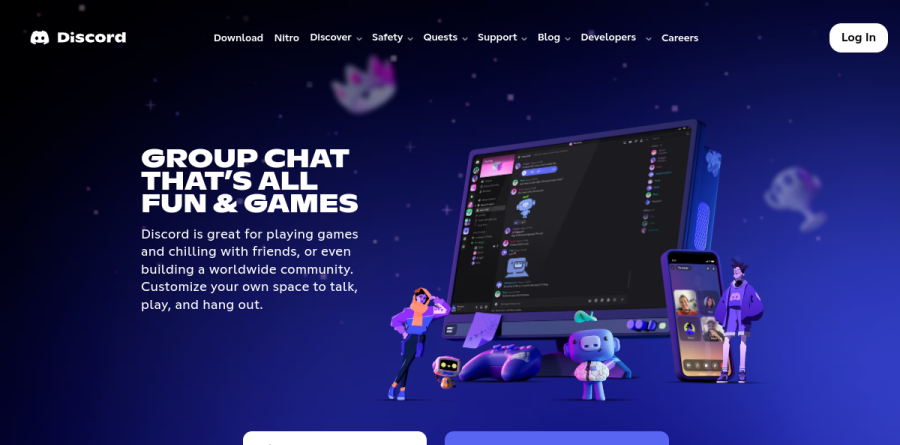
Discord is a free voice-first chat platform built around persistent servers rather than scheduled calls. Every server divides into text and voice channels that stay open all day, so members drop in whenever they happen to be around. The homepage pitches Discord as group chat for playing games and chilling with friends, or for building a worldwide community, and the Discovery directory shows the same structure scaling from a small friend group up to servers with millions of members.
The client list is unusually broad. Discord ships desktop builds for macOS, Windows in x64 and ARM64 versions, and Linux as deb, rpm, tar.gz and pkg.tar.zst packages, plus iOS and Android apps, console linking for PlayStation and Xbox, a Meta Quest build, and a Public Test Build for anyone who wants features before they ship widely.
Voice, video and drop-in hangouts
The drop-in model is what Discord does better than most rivals. Discord's own framing is that you can easily hop in and out of voice or text chats without having to call or invite anyone, so party chat lasts before, during and after a game session. Discord promotes high quality, low latency streaming for sharing a game or a screen, and the friends list surfaces who is free right now, down to the modes or characters they are playing. Groups can watch video together, listen to music, or launch built-in games without leaving the app. Custom emoji, stickers and soundboard effects give each server its own personality.
Finding and running a community
Discover is the public directory, inviting people to find their next favorite server across categories where Gaming dwarfs everything else, followed by Entertainment, Music, Education, and Science and Tech. Featured listings when I checked included Midjourney, Marvel Rivals, Genshin Impact Official, VALORANT and Blox Fruits, and the page points owners who want in to a Get Your Community Ready path. For moderators, the Discord Safety center collects Family Center for parents of teen accounts, the Teen Charter, a Parent Hub, Safety Library, Privacy Hub, Wellbeing Hub and a Transparency Hub carrying enforcement reporting.
What Nitro and Server Boosts unlock
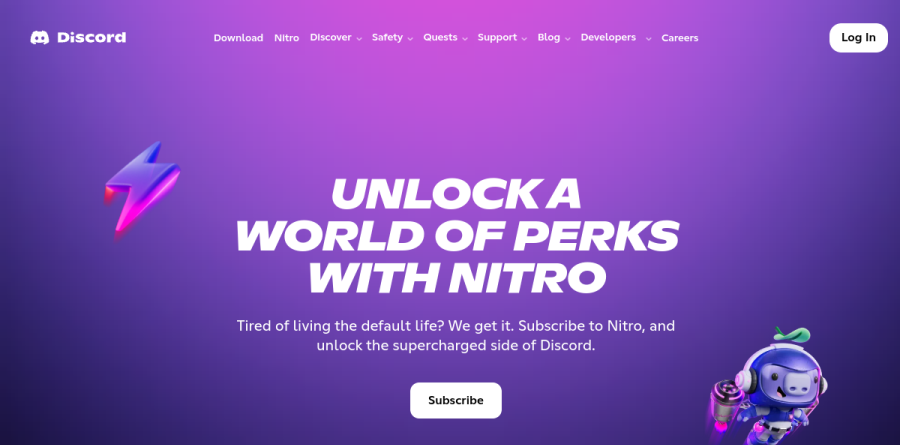
Everything described so far is free; Discord monetizes through Nitro, sold as two named tiers. Nitro Basic targets small daily irritations with custom emoji anywhere, 50MB uploads and custom app icons. Full Nitro raises uploads to 500MB and layers on custom and per-server profiles, HD streaming, custom video backgrounds, personalized entrance sounds, Display Name Styles, and Xbox Game Pass Starter Edition, which the page footnotes as available in select regions with terms and eligibility rules. Nitro also bundles two Server Boosts to spend on any server you belong to, a discount on further Boosts, Nitro Rewards with monthly Logitech G and SteelSeries offers, friend passes, Shop member pricing and early access to features.
Discord for game studios

Discord has quietly become launch infrastructure for games. The Social SDK lets studios embed account linking, rich presence, game invites, a unified friends list, direct messages and in-game voice and text chat inside their own titles, with provisional accounts covering players who never signed up. It supports Unity and Unreal Engine, is production-ready on PC, and remains experimental on mobile and console, with no HTML5 or Linux support. The vendor reports 34% higher median retention for players who link accounts. Alongside it sits Quests, a rewarded ad format split into Play Quests and Video Quests.
Who should choose Discord
Discord is the obvious pick for gaming groups, creator and hobby communities, open-source projects and study circles — anywhere people want a room to wander into rather than a meeting to schedule. Moderators and parents get a safety hub aimed squarely at teen accounts, collecting Family Center, the Teen Charter, a Parent Hub and a Safety Library. Studios shipping PC titles on Unity or Unreal should look hard at the Social SDK and Quests. It is a poor fit for regulated business teams, where thin enterprise administration, retention controls, exports and SSO push purpose-built work chat ahead. Treat it as conversation, not as a knowledge base.
Strengths
- Core platform is genuinely free: unlimited servers, messages, and voice/video
- Best-in-class low-latency voice chat and screen sharing for gaming
- Optional Nitro is cheap ($2.99-$9.99/mo) and billed per person, not per seat
- Huge ecosystem of bots, integrations, and community tooling
Watch out for
- Free file upload cap is just 10MB (lowered from 25MB in late 2024)
- No per-user business plan, so it's a weak fit for IT-governed corporate use
- Best perks like 500MB uploads and HD streaming are locked behind $9.99 Nitro
- Moderating large public servers can be time-consuming and tooling-heavy
Key features
| Feature | What it does |
|---|
| Free servers & messaging | Create unlimited servers with unlimited message history, voice/video calls, and screen sharing at no cost. |
| Nitro subscriptions | Personal perks: Nitro Basic ($2.99/mo) and Nitro ($9.99/mo) add bigger uploads, custom emoji, and HD streaming. |
| Server Boosts | Members boost a server for $4.99/mo each to unlock better audio quality, more emoji slots, and higher upload limits. |
| Voice, video & streaming | Low-latency voice channels, screen share, and HD video (Nitro) built for real-time gaming and hangouts. |
| Bots & integrations | Extensive third-party bot and app ecosystem for moderation, music, games, and community automation. |
| Creator monetization | Paid Server Subscriptions let creators charge members monthly for exclusive channels and perks. |
How Discord compares
| Alternative | How it differs |
|---|
| Slack | Workplace chat billed per seat (~$8.75/user/mo); better for formal business, weaker for gaming voice. |
| Microsoft Teams | Enterprise collaboration bundled with Microsoft 365; per-user licensing, not community-first. |
| Guilded | Free gaming-focused Discord alternative with built-in calendars and no paywalled upload tiers. |
Frequently asked questions
Is Discord free?
Yes. Discord is completely free to use. You can create unlimited servers, send unlimited messages, make voice and video calls, share your screen, and upload files up to 10MB, all at no cost. Paid Nitro subscriptions ($2.99 or $9.99/month) are optional perks, not required. There is no per-seat business plan; individuals pay only if they want extras.
How much does Discord cost?
Discord itself costs $0. Optional upgrades: Nitro Basic is $2.99/month ($29.99/year) and full Nitro is $9.99/month ($99.99/year), both billed per person. Server Boosts cost $4.99 each per month, with a 30% discount for Nitro subscribers. Discord is not sold per-user like Slack or Teams, so there is no company-wide seat license to buy.
What's the difference between Nitro Basic and Nitro?
Nitro Basic ($2.99/month) unlocks custom emoji anywhere, 50MB file uploads, custom stickers, app icons, and a profile badge. Full Nitro ($9.99/month) adds 500MB uploads, HD video streaming, custom profiles, Super Reactions, 2 free Server Boosts plus 30% off more, joining up to 200 servers, 4,000-character messages, and an Xbox Game Pass Starter perk. Both are personal subscriptions.
What are the best Discord alternatives?
For gaming and community chat, top Discord alternatives include Slack and Microsoft Teams (workplace-focused, per-seat pricing), Guilded (gaming-oriented, free), Element/Matrix (open-source, private), and Telegram (large group messaging). Unlike Discord's free-first model, Slack and Teams charge roughly $7-8+ per user monthly for full features. Discord remains the strongest choice for voice-heavy gaming and hobby communities at no cost.
Is Discord Nitro worth it?
For heavy users, yes. At $9.99/month, Nitro's 500MB uploads, HD streaming, two Server Boosts (worth $9.98), custom profiles, and Xbox Game Pass perk add up if you use them daily. Casual users are better served by free Discord or the $2.99 Nitro Basic, which covers custom emoji and bigger uploads. Annual billing at $99.99 saves about 17%.
Discord ratings on other platforms
Independent user ratings from third-party review sites, linked here for transparency.
These are not our editorial score, are captured on the date shown, and may have changed since.